

SUMMARY
I-Contribute: Your Offline Event Contribution Manager
Simplify event management with I-Contribute, the offline mobile app designed to track contributions effortlessly. Create personal or group events, record donations, organize contributors and their groups, and view contribution history.
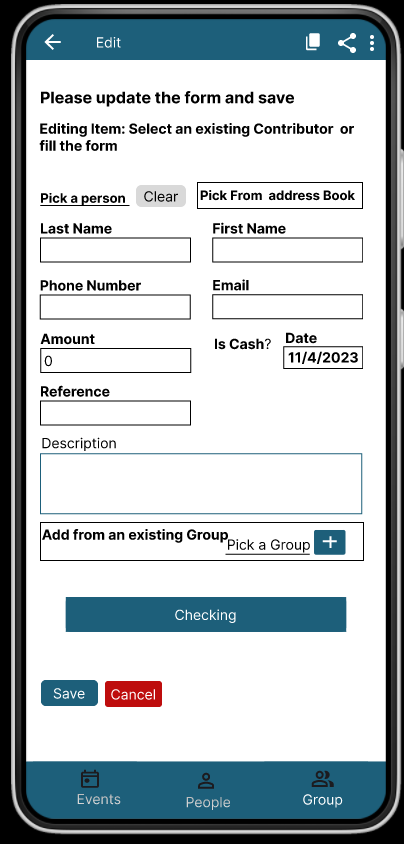
When adding a contribution, you can either enter a new contributor or select an existing one from your list or address book. Share your event’s progress with ease.
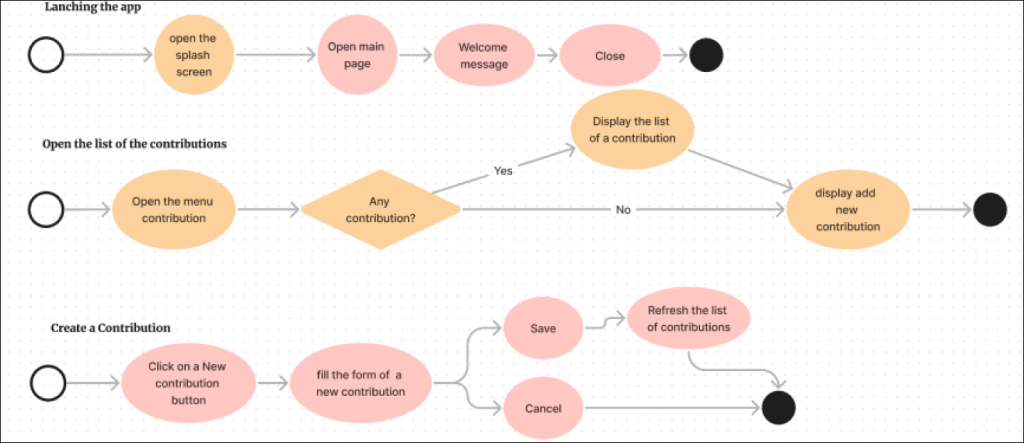
Flow chart image
The flow chart image below map out the steps a user will take to achieve a goal within the app.
DESIGN PROCESS
During the design process,the specific steps and order can vary depending on the design methodology and project itself. In this project, we have use the User-center approach to focus on the needs and experiences of the end-user:

User Research
We conducted an unmoderated usability study with a group of participants to gather insights into how they use the app and assess its overall usefulness.”
Problem Statement
Event organizers are unable to effectively track contributions and contributors.
Hypothesis
Users need an app that can allow them to plan events, manage the contributions and contributors, and track their progress.
Goal
Develop a responsive App and website for the event organizer; to use for contributions.

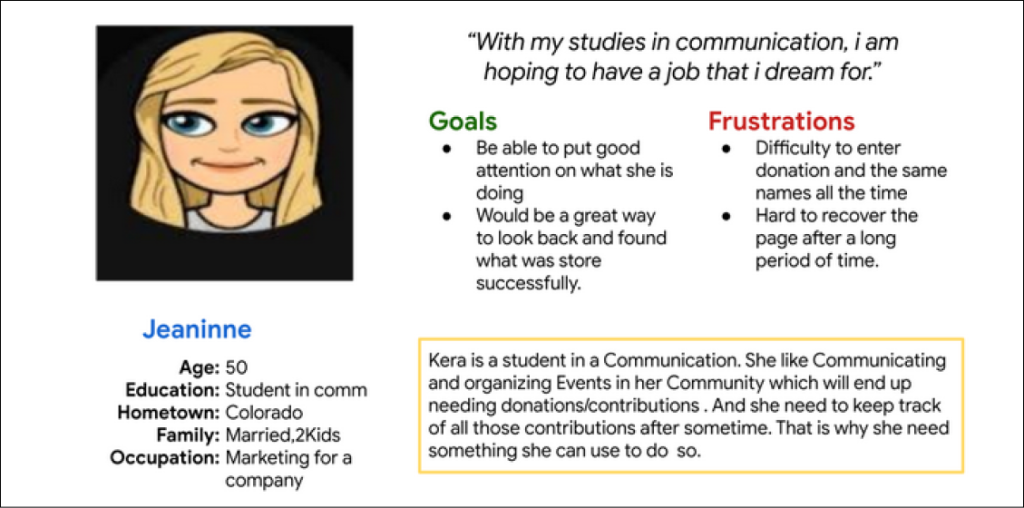
PERSONAS
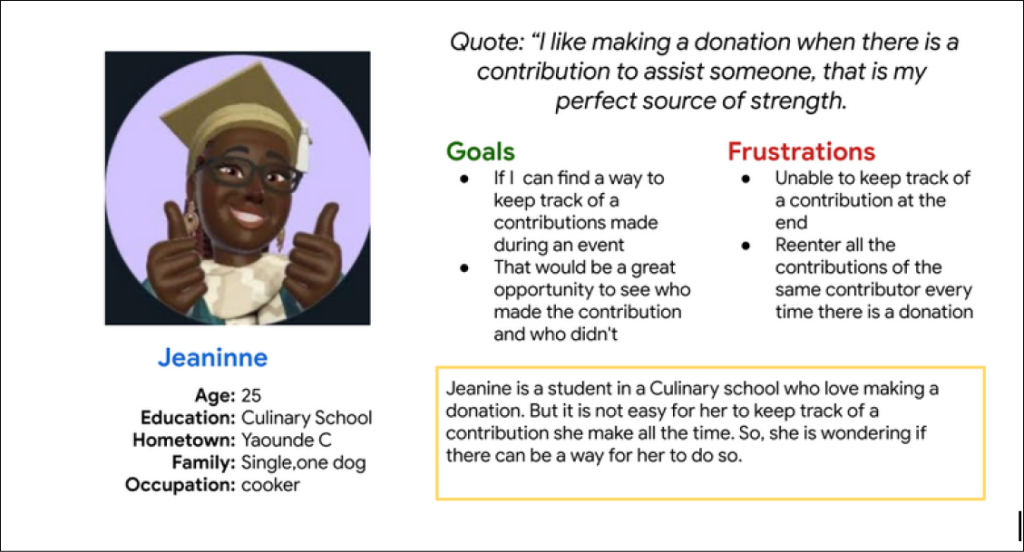
Users like Jeaninne and Jeaninne are two different fictional characters based on real-world data and research that represent our target users. They often struggle to keep track of their donations, especially when new ones are opened. To address this issue, they need an app.
Persona 1 (Jeannine 1)
Persona 2 (Jeannine 2)
WIRE FRAMING
We designed the digital wire-frames and did the low-fi prototype and hi-fi prototype
Digital wire-frame and low-fidelity prototype
Flow 1: Open a Contribution
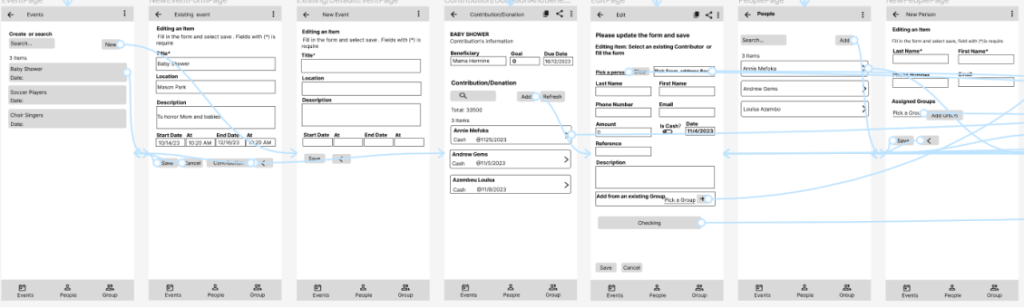
Flow 2: Add a Contributor in the list.
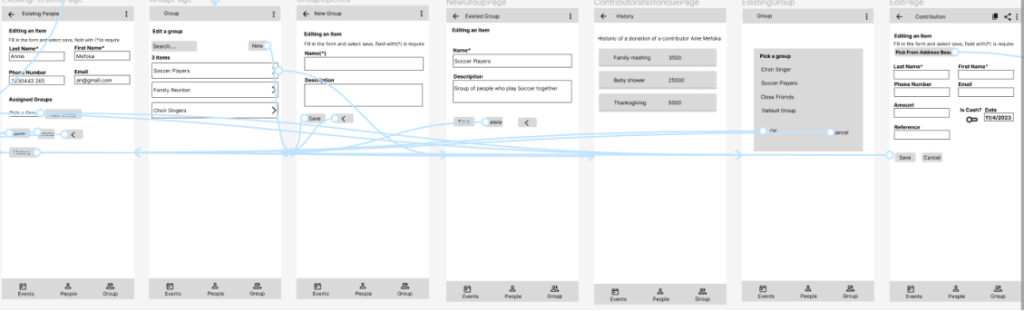
Flow 3: Create a group of contributors.
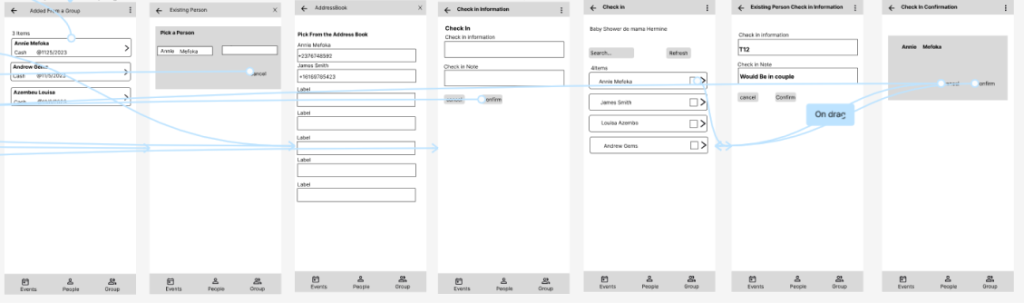
Digital wire-frame and high-fidelity prototype
Flow 1: Open a contribution and Create an Event
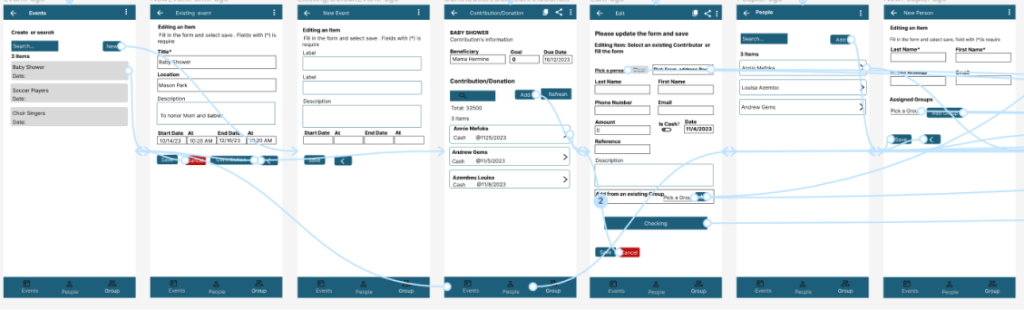
Flow 2: Add a Contributor in the list of contribution
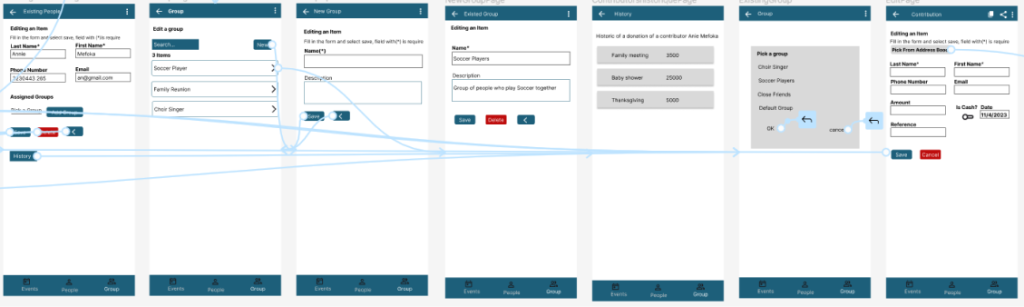
Flow 3: Create a group of contributors
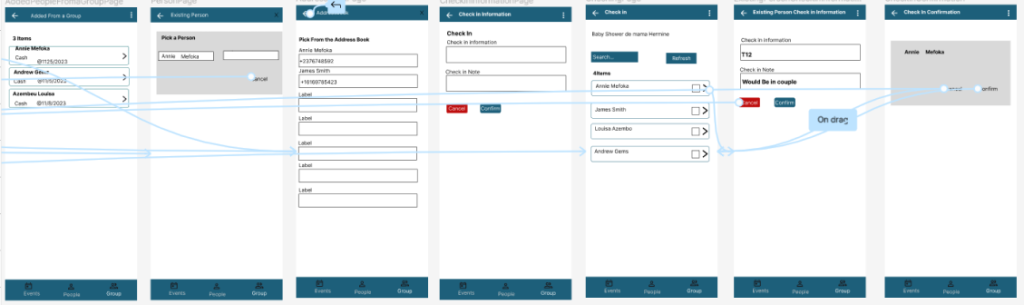
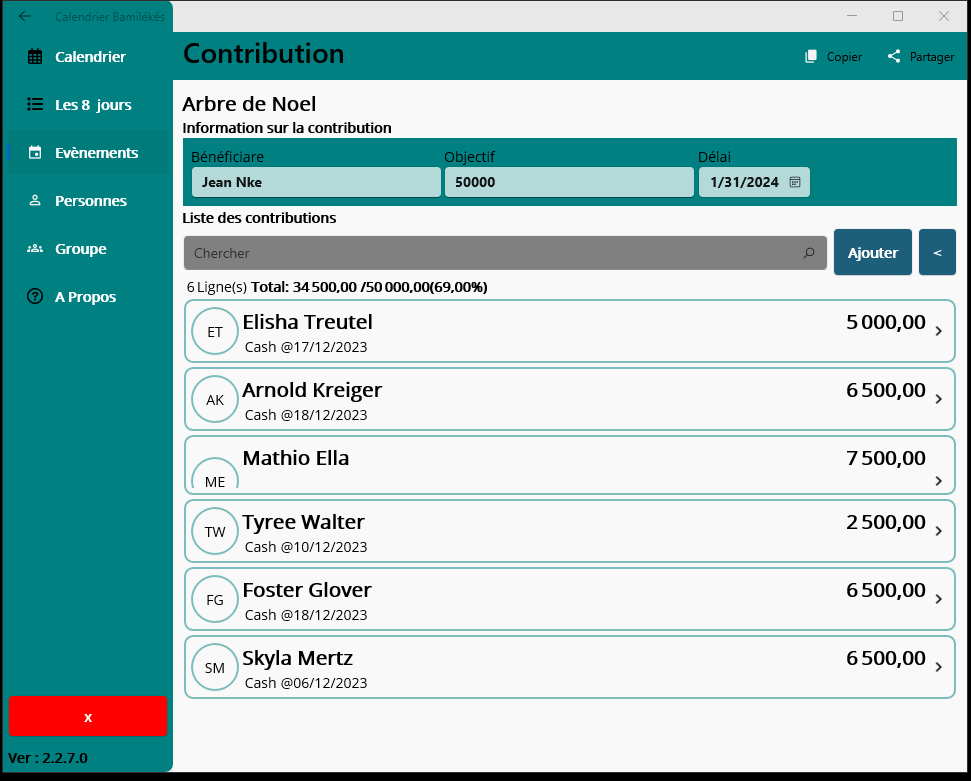
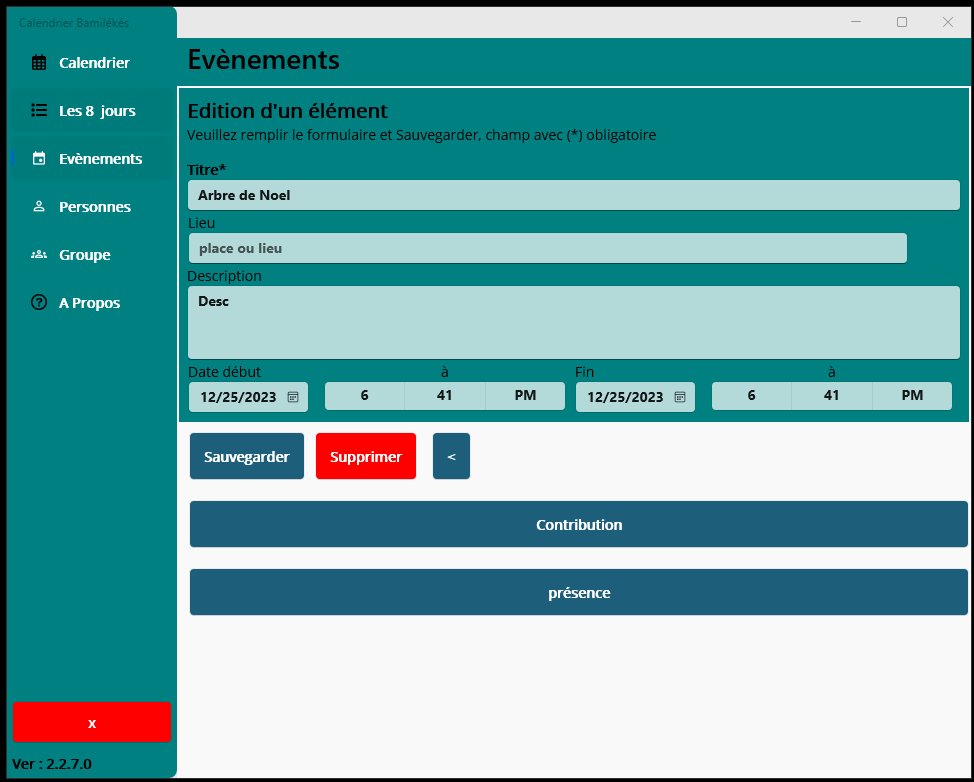
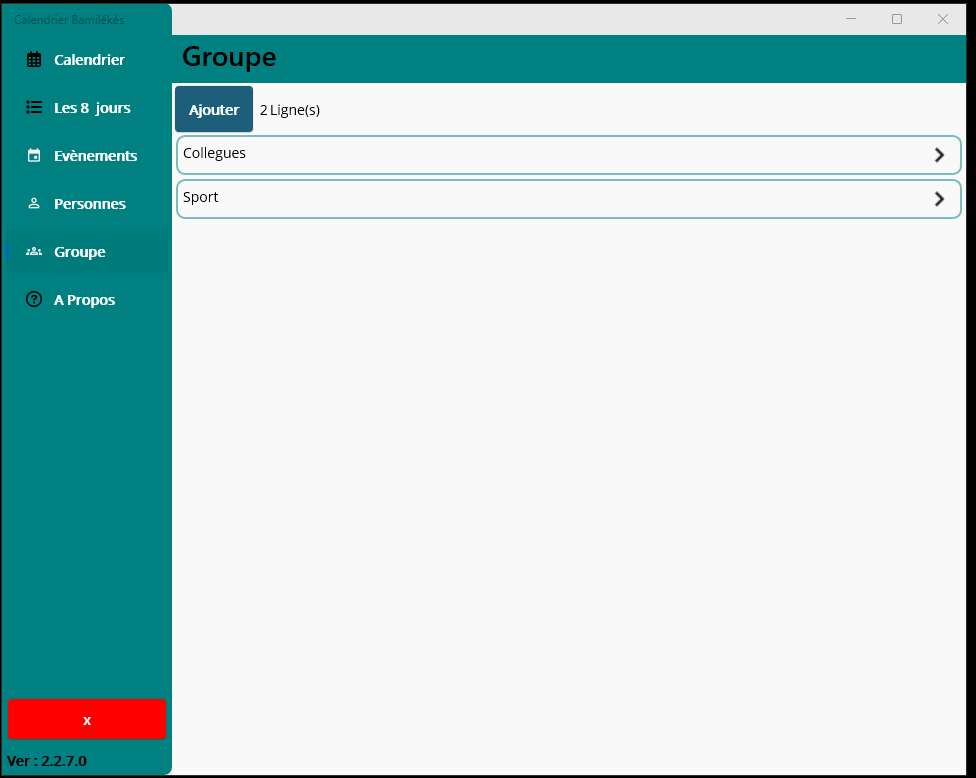
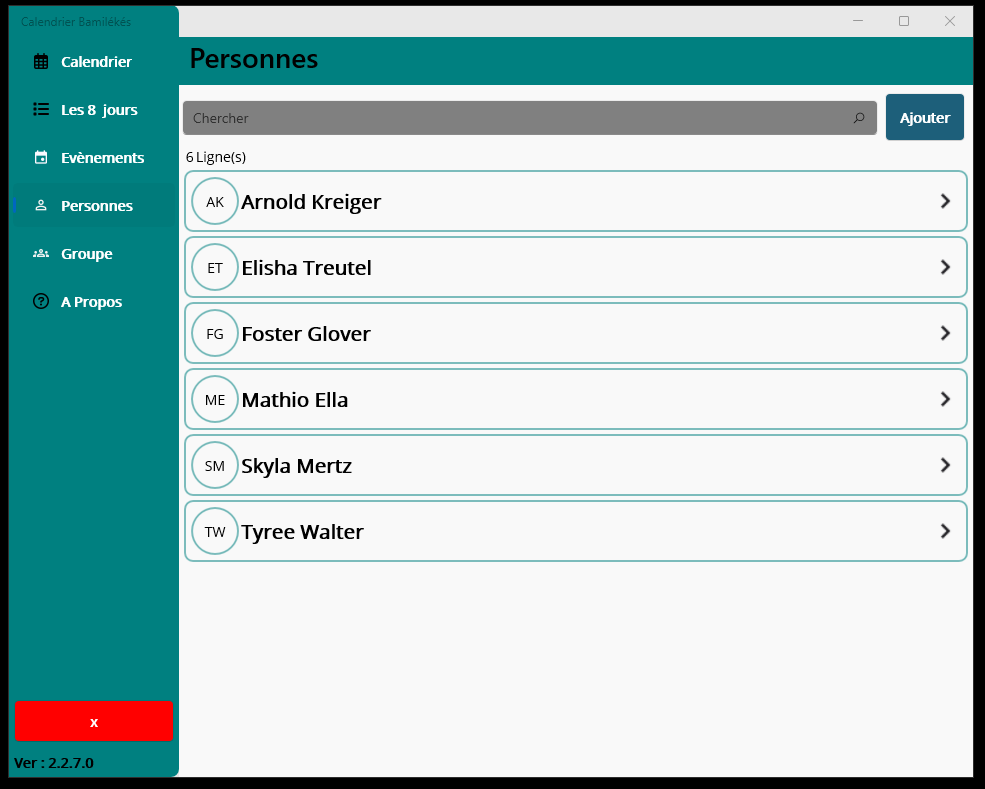
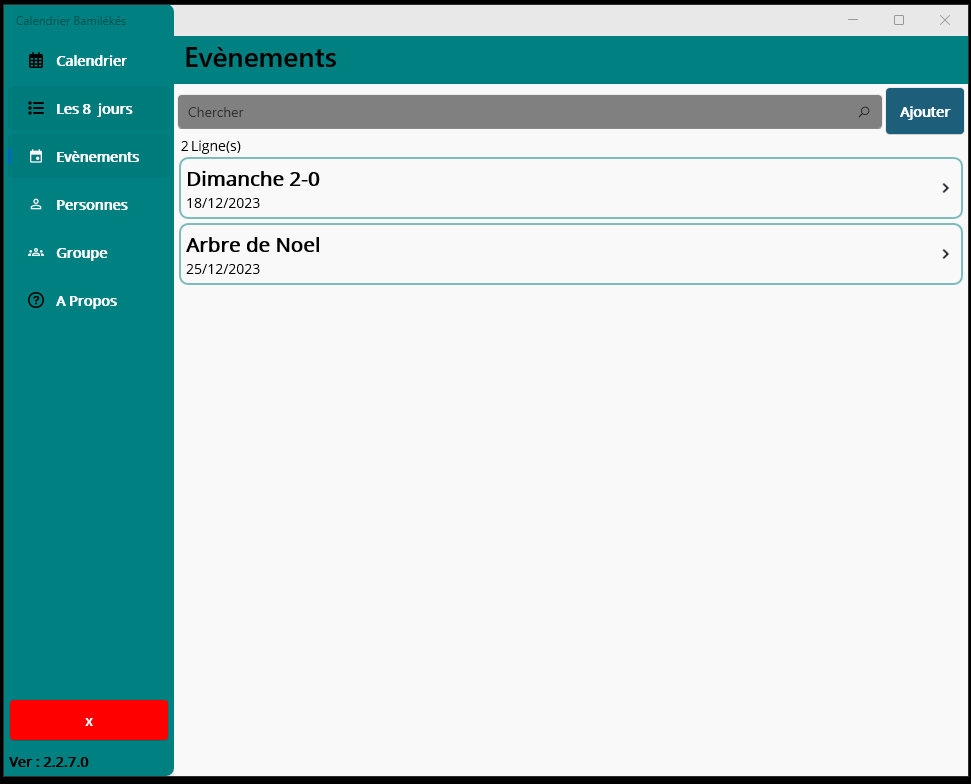
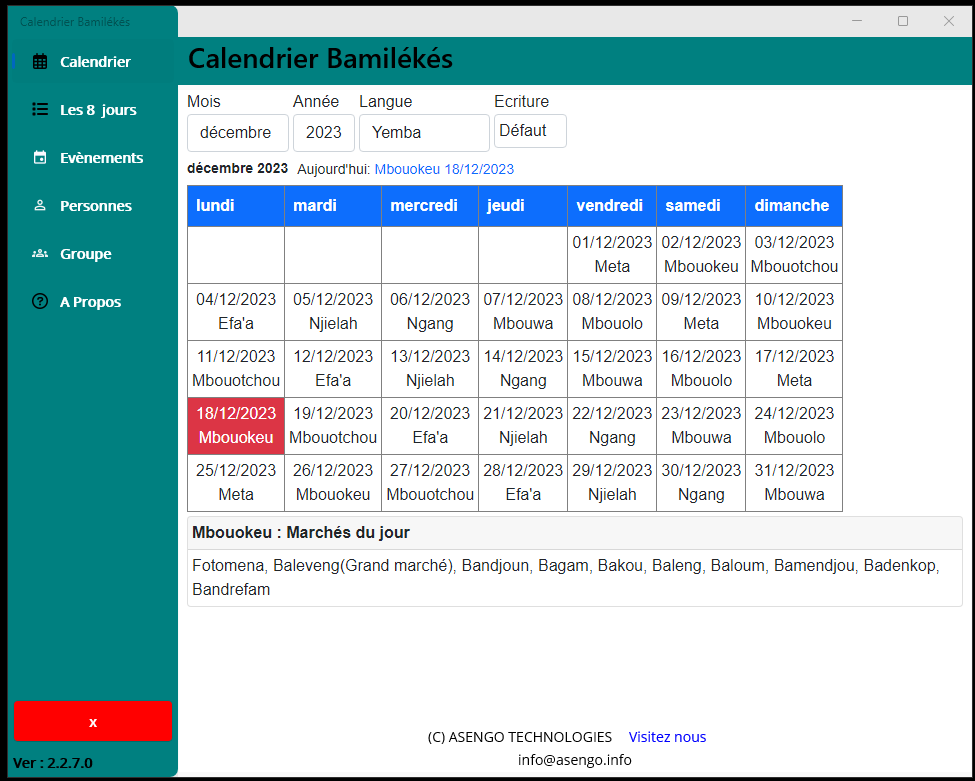
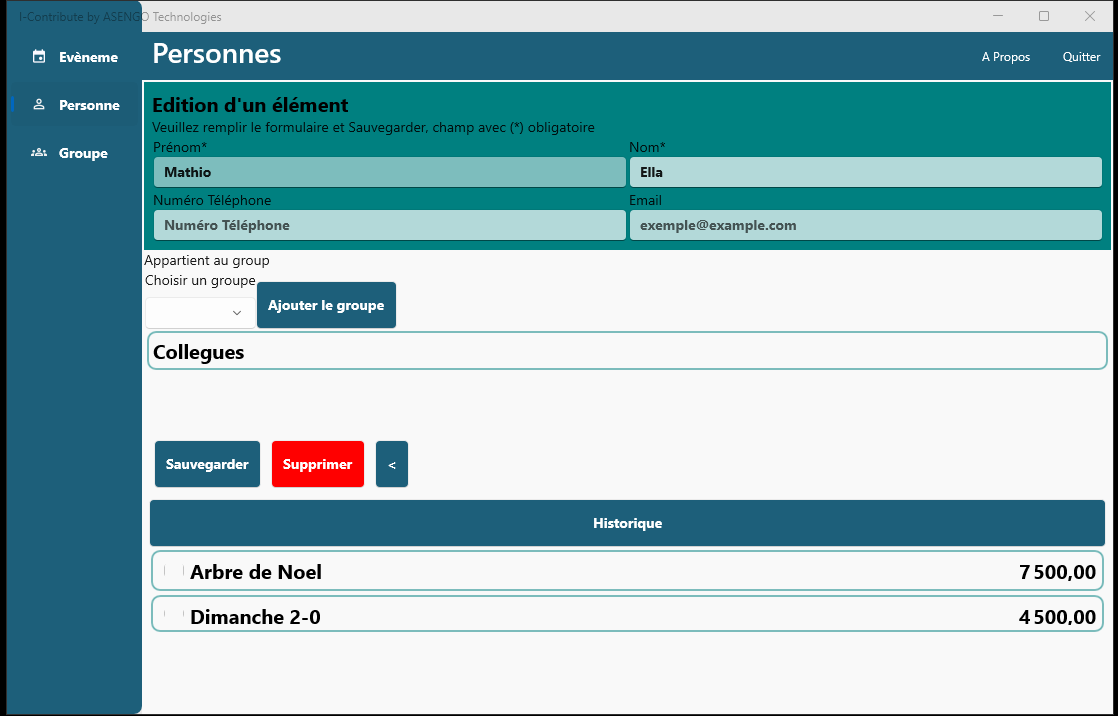
Desktop Screenshot Carousel
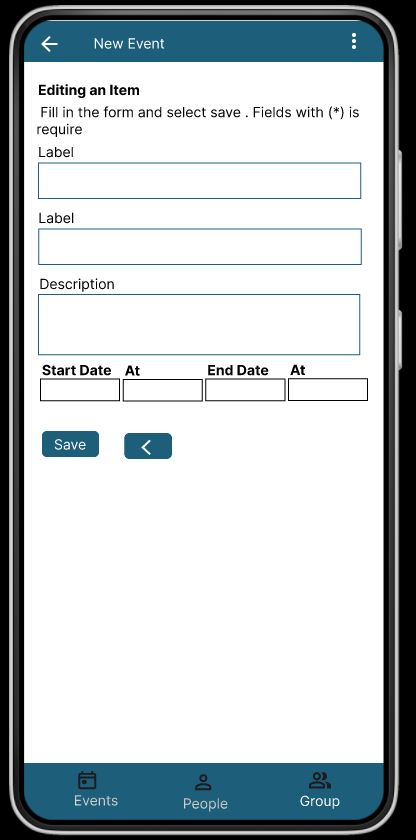
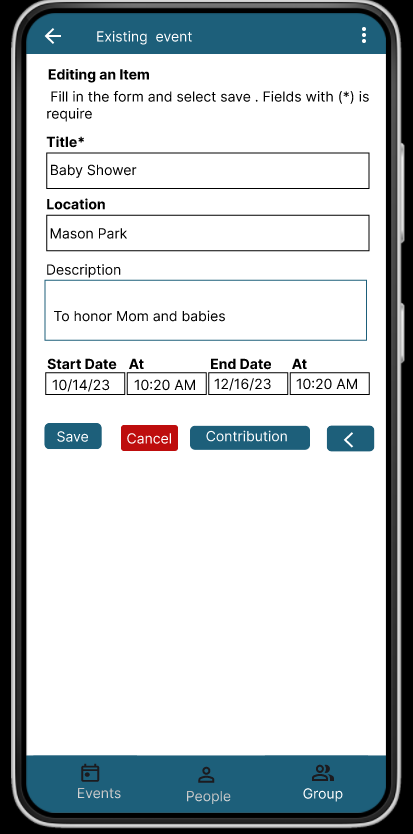
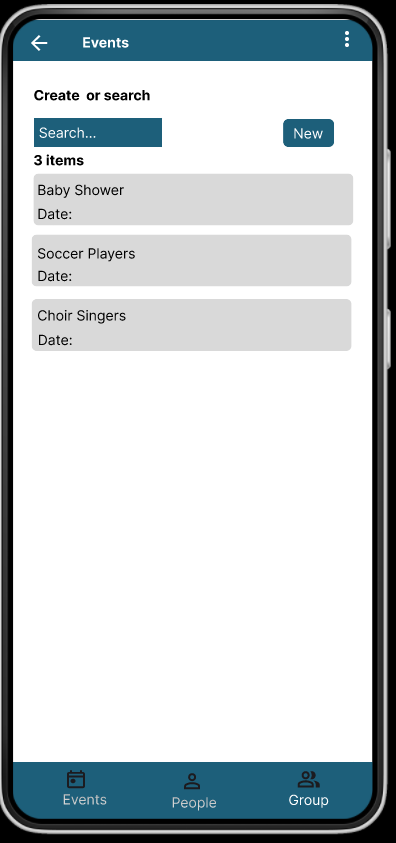
The carousel below showcases the app pages.
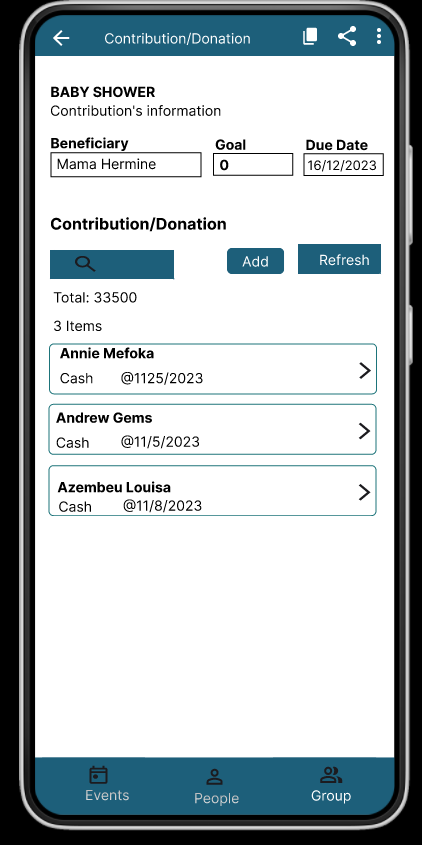
Phone Screenshots carousel
The carousel below showcases all the app pages.
PROTOTYPE
Ready to try it out? Play the prototype.
Leave a Reply